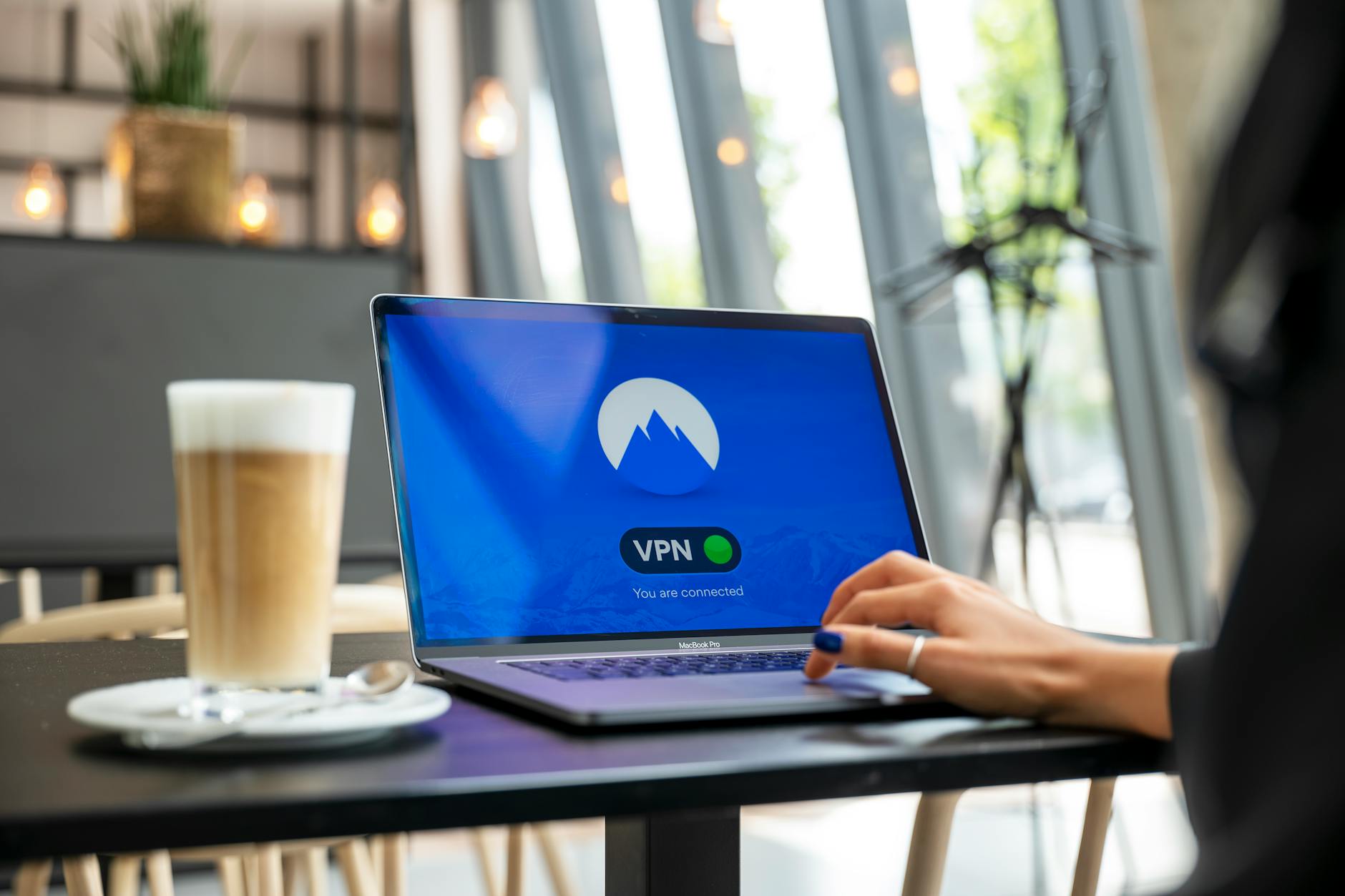
## Free VPN, Public Wi-Fi: Your Data's Best Defense (And How to Set It Up)
When it comes to safeguarding your digital footprint, the allure of free VPNs on public Wi-Fi can be a double-edged sword. While the concept of encrypting your connection while sipping coffee at your favorite café seems like the ultimate defense, the reality is often more complex. Many 'free' VPN services operate by collecting and selling user data, negating the very privacy they promise. Furthermore, these free options often come with significant limitations, such as slow speeds, data caps, and a limited selection of server locations, making them impractical for sustained, secure browsing. Therefore, understanding the inherent risks and limitations is paramount before entrusting your sensitive information to just any free VPN provider.
However, with proper precautions and a discerning eye, a free VPN can still offer a basic layer of protection for less sensitive tasks on public Wi-Fi. The key lies in choosing a reputable provider that offers a freemium model or a genuinely free, open-source solution. When setting it up, prioritize these steps:
- Research Reputable Providers: Look for services with strong encryption protocols (like OpenVPN or WireGuard) and a clear, transparent privacy policy. Avoid those that demand excessive permissions or offer suspiciously robust features for free.
- Download from Official Sources: Always download the VPN client directly from the provider's official website or a trusted app store to prevent malicious software.
- Configure Carefully: Ensure the VPN is set to automatically connect when you join an unsecured network and that a 'kill switch' is enabled to prevent data leaks if the VPN connection drops.
- Limit Sensitive Activities: Even with a reputable free VPN, avoid banking, online shopping, or accessing highly confidential information on public Wi-Fi.
By following these guidelines, you can leverage free VPNs for basic security without compromising your data.
A free VPN can be a tempting option for those looking to protect their online privacy without spending a dime. While they offer the basic functionality of masking your IP address and encrypting your data, it's important to understand the potential limitations and trade-offs associated with a free vpn. These services often come with data caps, slower speeds, and may even collect and sell your browsing data to third parties, which defeats the purpose of using a VPN for privacy.
## Beyond the Basics: Common Concerns & Advanced VPN Tips for Public Wi-Fi Users
As public Wi-Fi becomes increasingly ubiquitous, users often move beyond simple connection and begin to consider more advanced security measures. One common concern is the potential for DNS leaks, where your internet service provider (ISP) or a malicious actor can still see your browsing activity even when connected to a VPN. To counteract this, users should actively check their VPN's settings for DNS leak protection and consider using a VPN that offers its own encrypted DNS servers. Another advanced tip involves understanding VPN protocols; while OpenVPN and IKEv2/IPsec are generally considered secure, older protocols like PPTP should be avoided due to known vulnerabilities. Finally, for those frequently traveling or in highly restrictive environments, exploring features like obfuscation or 'stealth' modes can be crucial for bypassing VPN blocks and maintaining internet freedom.
Beyond the fundamental act of simply turning on your VPN, advanced public Wi-Fi users should be aware of several nuanced considerations to maximize their security and privacy. For instance, understanding the difference between a VPN kill switch and split tunneling is vital. A kill switch ensures your internet connection drops if the VPN disconnects, preventing accidental exposure of your IP address, whereas split tunneling allows you to route some traffic outside the VPN, useful for accessing local network resources while maintaining VPN protection for sensitive data. Furthermore, users should periodically verify their VPN's logging policy – a
'no-logs' policy is paramount for true anonymity, ensuring your online activities are not recorded by the VPN provider itself.Regularly updating your VPN client and firmware is also essential, as these updates often contain critical security patches that protect against emerging threats.